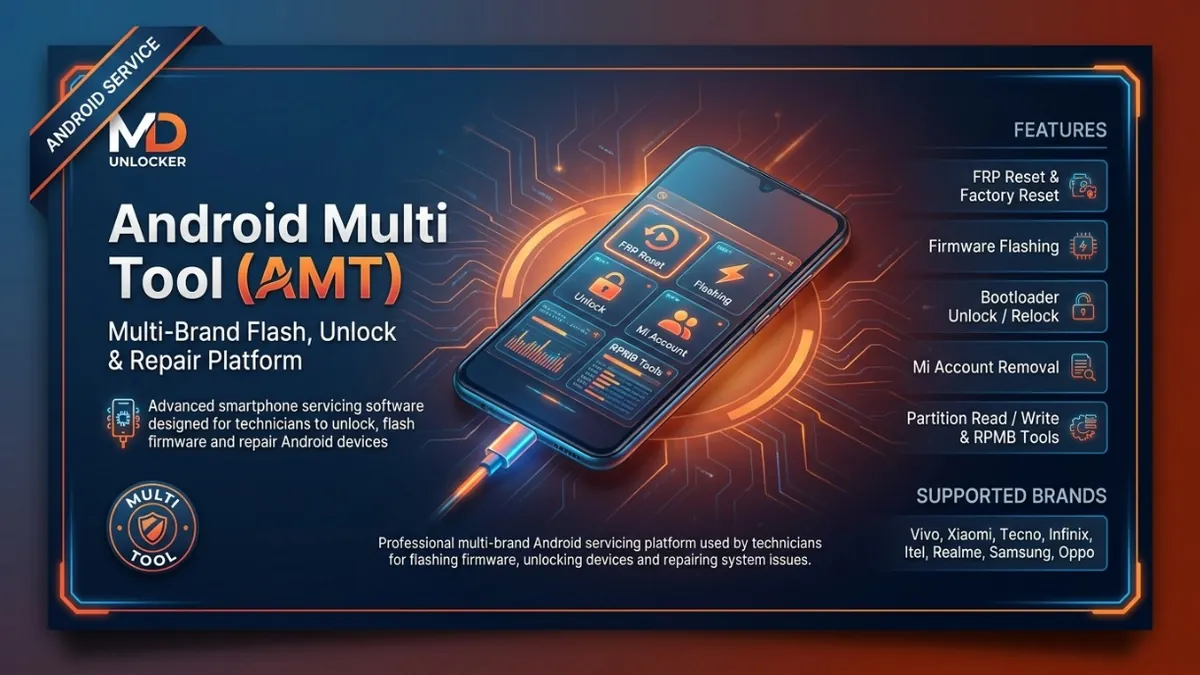
Android Multi Tool Credits (AMT Server Credits) are server-side credits used inside Android Multi Tool to run supported AMT operations that require credit-based authorization. This 10 CRD offer is made for technicians and repair shops that already use Android Multi Tool and need a simple way to top up credits for ongoing Android servicing work. Credits are typically used when you start eligible credit-required functions in the Android Multi Tool software, helping you keep your workflow moving without interruptions. This listing is a credit top-up service, not a standalone software download and not a device unlocking promise. For fast processing, submit the correct Android Multi Tool account/username (exact spelling) so the credits can be applied to the right AMT account. If you manage multiple technicians or logins, order credits for the specific AMT account that will perform the operations. This service is intended only for lawful and authorized use on eligible devices, tools, accounts, or customer-authorized repair requests.
Android Multi Tool Credits (AMT Server Credits) are server-side credits used inside Android Multi Tool to run supported AMT operations that require credit-based authorization. This service is designed for technicians and repair shops who already use Android Multi Tool and need a dependable way to keep their workflow funded for ongoing Android servicing tasks. These AMT Server Credits are typically consumed when you start eligible credit-required functions in the Android Multi Tool software. This listing is a credit top-up service (account-based), not a standalone software download and not a promise of any specific device result. To avoid delays, enter the correct Android Multi Tool account/username details (exact spelling) so credits are applied to the intended account. If you manage multiple users, order credits for the specific AMT account that will perform the operations. This service is intended only for lawful and authorized use on eligible devices, tools, accounts, or customer-authorized repair requests.
$0.93
Android Multi Tool – 3 Month Activation License is an account-based software activation that gives GSM technicians 3 months of access to the Android Multi Tool (AMT) platform for professional Android servicing workflows. It is designed for mobile repair shops, GSM service centers, and refurbishment labs that need a reliable multi-brand tool for supported maintenance and repair operations. With an active AMT license, you can use the platform’s available functions for firmware servicing support, factory reset operations, bootloader operations, and other supported Android repair tasks (features vary by model and security level). Some operations may require AMT credits, so this plan is best for technicians who want short-term access without committing to a longer duration. Ordering note: provide your correct registered AMT account email so the 3-month activation can be applied to the right account. After activation, log in to AMT and use the tool within the license period (valid 3 months from activation date). This service is intended only for lawful and authorized use on eligible devices, tools, accounts, or customer-authorized repair requests.
$9.30
Android Multi Tool – 6 Month Activation License provides a 6-month, account-based software activation for the Android Multi Tool (AMT) GSM repair platform. It is designed for mobile repair shops, GSM technicians, and service centers that need time-limited access to a professional Android servicing tool for day-to-day workshop workflows across multiple Android brands and chipsets. With an active AMT license, you can use supported software functions such as firmware flashing and restore workflows, factory reset operations, bootloader management features, and other advanced Android service functions available inside the AMT platform. Some operations may require AMT credits, and device compatibility can vary by model and security level, so checking support before starting a job is recommended. This listing is for the 6-month plan, which fits technicians who want mid-term access without committing longer. Ordering note: provide your registered AMT account email so the activation can be applied correctly; after activation, log in to AMT and use the tool during the license period. This service is intended only for lawful and authorized use on eligible devices, tools, accounts, or customer-authorized repair requests.
$16.78
Android Multi Tool – 12 Month Activation License provides 1-year, account-based access to the Android Multi Tool (AMT) GSM repair software platform. It is designed for mobile repair shops and GSM technicians who need a single tool for common Android servicing workflows across multiple brands. This listing is for license activation (not a physical item), and access is linked to your AMT account. With an active license, AMT can be used for firmware flashing, factory reset operations, bootloader management, and other supported Android service functions on a wide range of devices, including brands such as Xiaomi/Redmi/Poco, Vivo, Tecno, Infinix, Itel, Samsung, Oppo, and Realme, plus Qualcomm and MediaTek platform phones. Some functions may require AMT credits, and compatibility can vary by model and security level. Ordering note: provide the exact email used to register your AMT account so the 12-month activation can be applied correctly. Activation is valid for 12 months from the activation date. This service is intended only for lawful and authorized use on eligible devices, tools, accounts, or customer-authorized repair requests.
$26.50
Phoenix Service Tool is a Windows-based multi-brand Android service software for GSM technicians and mobile repair shops that need one dashboard for common firmware and diagnostic workflows. It supports connecting devices by USB, reading device information, and running guided service operations for brands such as Samsung, Xiaomi, Nokia HMD, Oppo, OnePlus, Realme, Honor, Huawei, Vivo, and Transsion (Tecno/Infinix/Itel). Use it for firmware flashing, device reset, system repair, device diagnostics, EFS backup/restore, and other supported service functions from a single interface. Some operations are credit-based server functions, so an internet connection may be required when using those features. Windows 10/11 and correct USB drivers are recommended for stable device detection and workflow execution. This listing is provided as an account-based service, so submit the correct account details and keep your login information available for activation and future access. If you service devices regularly, an account setup is best for ongoing workshop use. This service is intended only for lawful and authorized use on eligible devices, tools, accounts, or customer-authorized repair requests.
$0.97
Get Unlock Tool 12-Month Official License activation for your UnlockTool account. This is an annual software license / renewal designed for GSM technicians, mobile repair shops, and resellers who need stable, year-round access to UnlockTool for supported Android servicing workflows. With this 12-month plan, you receive account-based activation that keeps your tool access active for daily workshop use and ongoing jobs. It is a practical choice for higher-volume users who prefer a longer-term license instead of frequent renewals. Plan duration: 12 months from activation on your account. Ordering instructions (important): Register your account first, then submit the exact UnlockTool username at checkout so the license can be applied correctly. This is a digital activation service; once the license is added to your account, it cannot be reversed. This service is intended only for lawful and authorized use on eligible devices, tools, accounts, or customer-authorized repair requests.
-17%$41.70M.R.P.: $50.00
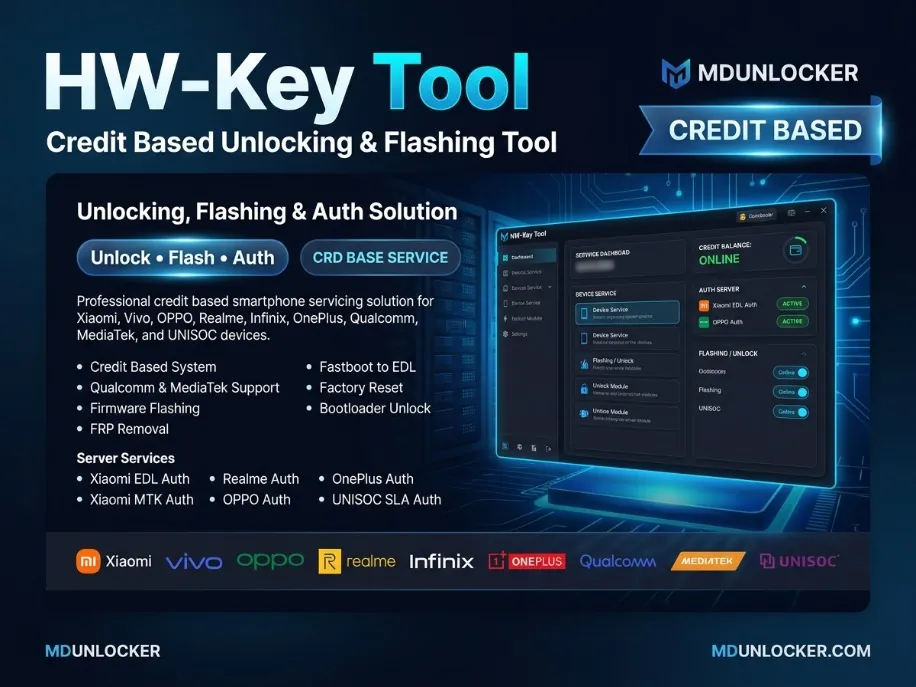
HW-Key Tool Credits are prepaid auth server credits used for supported authentication and server-based operations inside the HW-Key Tool platform. This refill is made for technicians and users who already have HW-Key Tool access and need additional balance to keep using selected online services without interruption. Credits are commonly used for supported workflows such as Xiaomi EDL Auth, Xiaomi Fastboot to EDL Auth, Xiaomi FRP Mi Assistant Auth, Xiaomi MTK V5/V6 Auth, plus multi-brand authorization options like Realme / Oppo / OnePlus Mediatek/Qualcomm Auth, Unisoc SLA V1 Auth, and New SLA MTK V6 Auth. Each online service may consume a different number of credits, depending on the exact operation you choose inside HW-Key Tool. Ordering note: this is a credit top-up for the HW-Key Tool account/platform, so make sure you submit the correct account details required by your seller checkout and confirm you are adding credits to the intended user balance. Intended only for lawful and authorized use on eligible devices, tools, accounts, or customer-authorized repair requests.
$1.01
Phoenix Service Tool is a Windows-based multi-brand Android service software for GSM technicians and mobile repair shops that need one dashboard for common firmware and diagnostic workflows. It supports connecting devices by USB, reading device information, and running guided service operations for brands such as Samsung, Xiaomi, Nokia HMD, Oppo, OnePlus, Realme, Honor, Huawei, Vivo, and Transsion (Tecno/Infinix/Itel). Use it for firmware flashing, device reset, system repair, device diagnostics, EFS backup/restore, and other supported service functions from a single interface. Some operations are credit-based server functions, so an internet connection may be required when using those features. Windows 10/11 and correct USB drivers are recommended for stable device detection and workflow execution. This listing is provided as an account-based service, so submit the correct account details and keep your login information available for activation and future access. If you service devices regularly, an account setup is best for ongoing workshop use. This service is intended only for lawful and authorized use on eligible devices, tools, accounts, or customer-authorized repair requests.
$0.96
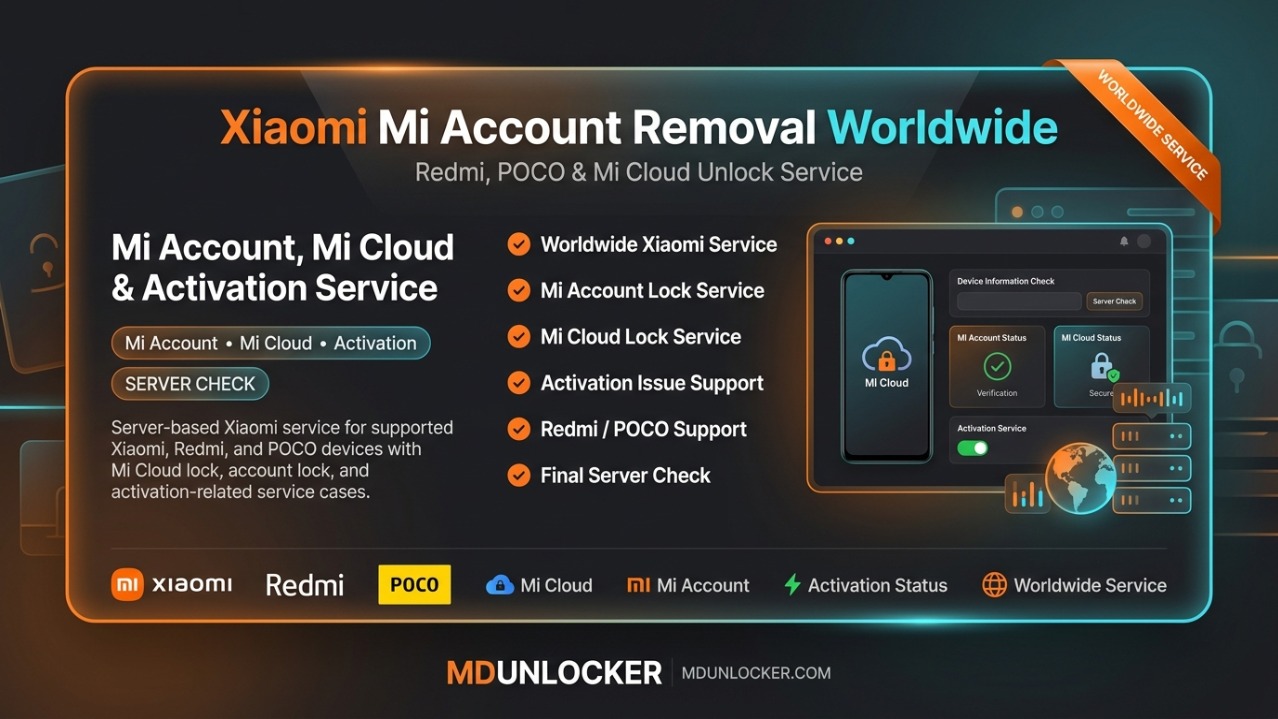
Xiaomi Worldwide (1-24 Hours) Direck Sourse is a time-based Xiaomi service listing for worldwide requests. It is presented under the Xiaomi Mi Account Removal Worldwide group for Redmi, POCO, and Mi Cloud workflows, and is intended for technicians and shops that need a managed service option with a stated processing window. Estimated service time: 1–24 hours (processing time may vary by case and the details provided). To place an order, submit accurate device/service details exactly as requested at checkout and double-check spelling and numbers before payment, because incorrect information can delay or block processing. If you manage multiple customer jobs, this listing is best for standard turnaround needs where you want a clear 1–24 hour window rather than an undefined queue. Important: This listing name includes “Mi Account Removal / Mi Cloud Unlock” wording as a category/group label; we only support lawful, owner-authorized service requests on eligible Xiaomi/Redmi/POCO devices. This service is intended only for lawful and authorized use on eligible devices, tools, accounts, or customer-authorized repair requests.
$23.95
Phoenix Service Tool is a Windows-based multi-brand Android service software for GSM technicians and mobile repair shops that need one dashboard for common firmware and diagnostic workflows. It supports connecting devices by USB, reading device information, and running guided service operations for brands such as Samsung, Xiaomi, Nokia HMD, Oppo, OnePlus, Realme, Honor, Huawei, Vivo, and Transsion (Tecno/Infinix/Itel). Use it for firmware flashing, device reset, system repair, device diagnostics, EFS backup/restore, and other supported service functions from a single interface. Some operations are credit-based server functions, so an internet connection may be required when using those features. Windows 10/11 and correct USB drivers are recommended for stable device detection and workflow execution. This listing is provided as an account-based service, so submit the correct account details and keep your login information available for activation and future access. If you service devices regularly, an account setup is best for ongoing workshop use. This service is intended only for lawful and authorized use on eligible devices, tools, accounts, or customer-authorized repair requests.
$0.96
Phoenix Service Tool is a Windows-based multi-brand Android service software for GSM technicians and mobile repair shops that need one dashboard for common firmware and diagnostic workflows. It supports connecting devices by USB, reading device information, and running guided service operations for brands such as Samsung, Xiaomi, Nokia HMD, Oppo, OnePlus, Realme, Honor, Huawei, Vivo, and Transsion (Tecno/Infinix/Itel). Use it for firmware flashing, device reset, system repair, device diagnostics, EFS backup/restore, and other supported service functions from a single interface. Some operations are credit-based server functions, so an internet connection may be required when using those features. Windows 10/11 and correct USB drivers are recommended for stable device detection and workflow execution. This listing is provided as an account-based service, so submit the correct account details and keep your login information available for activation and future access. If you service devices regularly, an account setup is best for ongoing workshop use. This service is intended only for lawful and authorized use on eligible devices, tools, accounts, or customer-authorized repair requests.
$0.95
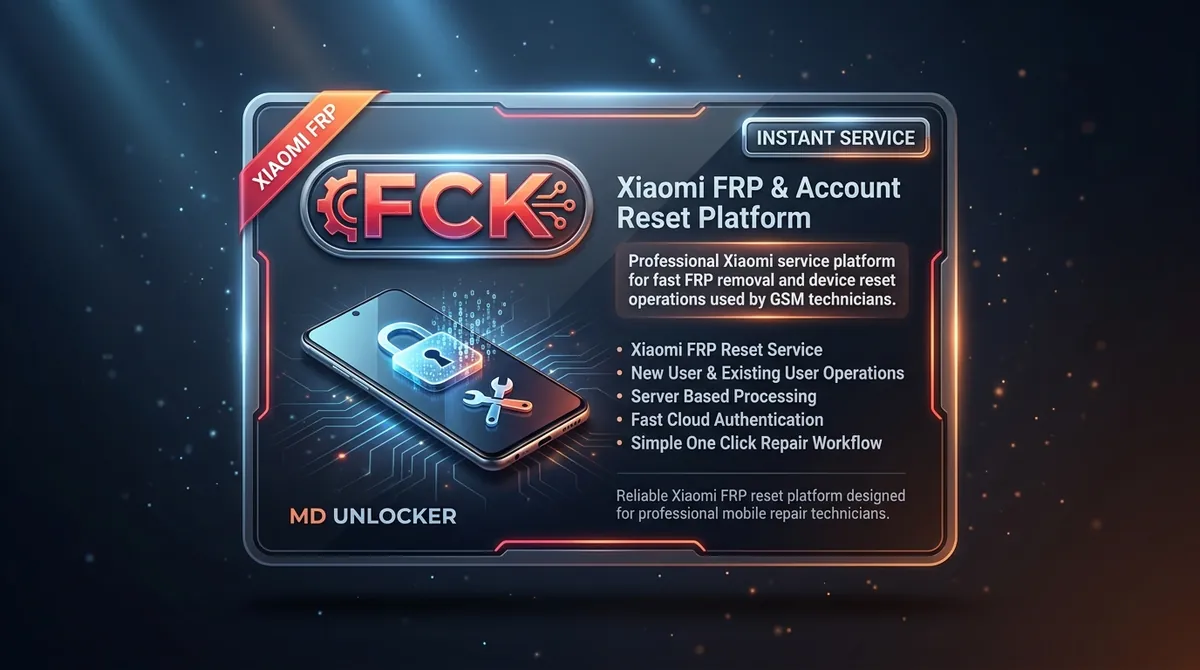
FCK Tool Credits are an account-based credit top-up for users who already have access to the FCK Tool platform and need more balance to continue supported Xiaomi server service workflows inside the tool. This listing is for credit purchase and activation to your existing FCK Tool account (it is not a standalone software download or a new account). Credits are consumed when you run eligible server operations in FCK Tool, helping repair shops and technicians keep their workflow moving when working on Xiaomi devices through the platform’s server environment. If you use the tool regularly, topping up credits helps avoid interruptions; if you use it occasionally, you can add credits only when needed. Ordering note: you must submit the correct FCK Tool account details (username/email) for credit transfer. Delivery is completed by adding credits to the specified account, so double-check your account information before checkout. Credits are non-refundable once transferred due to the nature of account activation. This service is intended only for lawful and authorized use on eligible devices, tools, accounts, or customer-authorized repair requests.
$0.81
No reviews for this service yet. Only customers with a completed order can write one, and every review is checked before it shows.
