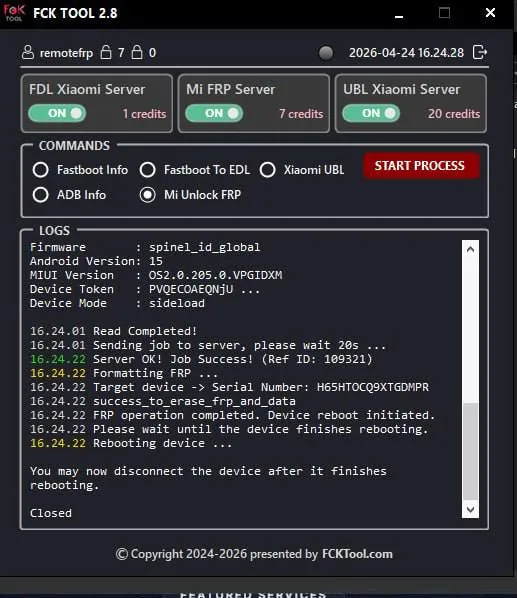
FCK Tool Credits (10 CRD Offer) is an account-based credit top-up for technicians and repair shops that already use the FCK Tool platform and need more balance to continue supported Xiaomi server service workflows inside the tool. This listing is not a software download—delivery is completed by adding credits to your existing FCK Tool account. Credits are consumed when you run eligible server operations in FCK Tool, helping you keep your workflow moving without interruptions when working through the platform’s server environment. The 10 CRD option is a practical choice for lighter or occasional usage; if you run server operations frequently, you may prefer purchasing top-ups more often to maintain a steady balance. Ordering note: you must provide the correct FCK Tool account details (username/email) for credit transfer. Delivery depends on accurate account information, and credits are non-refundable once transferred, so double-check the account before checkout. This service is intended only for lawful and authorized use on eligible devices, tools, accounts, or customer-authorized repair requests.
FCK Tool Credits are an account-based credit top-up for users who already have access to the FCK Tool platform and need more balance to continue supported Xiaomi server service workflows inside the tool. This listing is for credit purchase and activation to your existing FCK Tool account (it is not a standalone software download or a new account). Credits are consumed when you run eligible server operations in FCK Tool, helping repair shops and technicians keep their workflow moving when working on Xiaomi devices through the platform’s server environment. If you use the tool regularly, topping up credits helps avoid interruptions; if you use it occasionally, you can add credits only when needed. Ordering note: you must submit the correct FCK Tool account details (username/email) for credit transfer. Delivery is completed by adding credits to the specified account, so double-check your account information before checkout. Credits are non-refundable once transferred due to the nature of account activation. This service is intended only for lawful and authorized use on eligible devices, tools, accounts, or customer-authorized repair requests.
$0.81
FCK Tool Credits (5 CRD Offer) is an account-based credit top-up for technicians and repair shops that already use the FCK Tool platform and need more balance to continue supported Xiaomi servicing workflows inside the tool’s server environment. This is not a standalone software download—delivery is completed by adding credits to your existing FCK Tool account. Credits are consumed when you run eligible server operations in FCK Tool, helping you keep your workflow moving when working on Xiaomi devices through the platform. The 5 CRD option is best for lighter or occasional use, or for testing your day-to-day consumption before buying larger top-ups. Ordering note: you must provide the correct FCK Tool account details (username/email) for activation/credit transfer. Please double-check the account information before checkout, because credits are non-refundable once transferred. This service is intended only for lawful and authorized use on eligible devices, tools, accounts, or customer-authorized repair requests.
$0.80
FCK Tool Credits (25 CRD Offer) is an account-based credit top-up for technicians and repair shops that already use the FCK Tool platform and need more balance to continue supported Xiaomi servicing workflows inside the tool. This is not a standalone software download—it is a server credit purchase that is applied to your existing FCK Tool account. Credits are consumed when you run eligible server operations in FCK Tool, helping you keep your workflow moving when working on Xiaomi devices through the platform’s server environment. This 25 CRD option is a practical choice for lighter or occasional usage; if you run server operations frequently, you may prefer a larger credit option when available. Ordering note: you must provide the correct FCK Tool account details (username/email) for credit transfer, because delivery is completed by adding credits to the specified account. Credits are non-refundable once transferred, so confirm your account information before checkout. This service is intended only for lawful and authorized use on eligible devices, tools, accounts, or customer-authorized repair requests.
$0.77
FCK Tool Credits (50 CRD Offer) is an account-based credit top-up for technicians and repair shops that already use the FCK Tool platform and need more balance to continue supported Xiaomi server service workflows inside the tool. This listing is not a standalone software download—delivery is completed by adding credits to your existing FCK Tool account. Credits are consumed when you run eligible server operations in FCK Tool, helping you keep a smooth workflow when working on Xiaomi devices through the platform’s server environment. The 50 CRD option is a practical choice for lighter or occasional usage; if you run frequent operations, you may prefer a larger credit offer when available. Ordering note: you must submit the correct FCK Tool account details (username/email) for activation and credit transfer. Please double-check your account information before checkout because credits are non-refundable once transferred. This service is intended only for lawful and authorized use on eligible devices, tools, accounts, or customer-authorized repair requests.
$0.76
Lazy Loader Credits are used inside the Lazy Loader platform to run server-based authentication operations for supported Xiaomi and Vivo devices. This listing is intended for GSM technicians and professional repair shops that need credit-based access to secure, online verification steps during eligible servicing workflows. Credits are consumed based on the specific operation you select in the tool, so usage can vary by job type. With these credits, technicians can access Xiaomi authentication flashing workflows and Vivo authorization / authentication services that require secure server verification within the platform. A valid Lazy Loader account is required because credits are delivered and used through your account, and an internet connection is required while running server services. Double-check your account details before ordering, as credits are non-refundable after transfer. This service is intended only for lawful and authorized use on eligible devices, tools, accounts, or customer-authorized repair requests.
$0.12
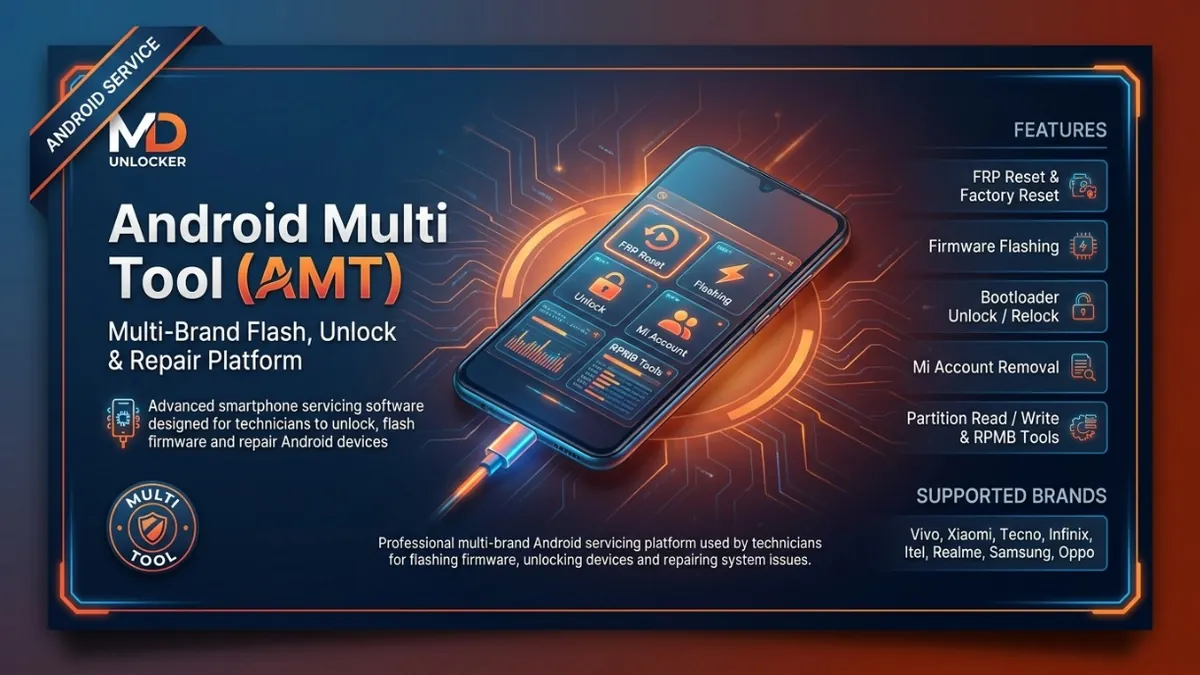
Android Multi Tool – 3 Month Activation License is an account-based software activation that gives GSM technicians 3 months of access to the Android Multi Tool (AMT) platform for professional Android servicing workflows. It is designed for mobile repair shops, GSM service centers, and refurbishment labs that need a reliable multi-brand tool for supported maintenance and repair operations. With an active AMT license, you can use the platform’s available functions for firmware servicing support, factory reset operations, bootloader operations, and other supported Android repair tasks (features vary by model and security level). Some operations may require AMT credits, so this plan is best for technicians who want short-term access without committing to a longer duration. Ordering note: provide your correct registered AMT account email so the 3-month activation can be applied to the right account. After activation, log in to AMT and use the tool within the license period (valid 3 months from activation date). This service is intended only for lawful and authorized use on eligible devices, tools, accounts, or customer-authorized repair requests.
$9.30
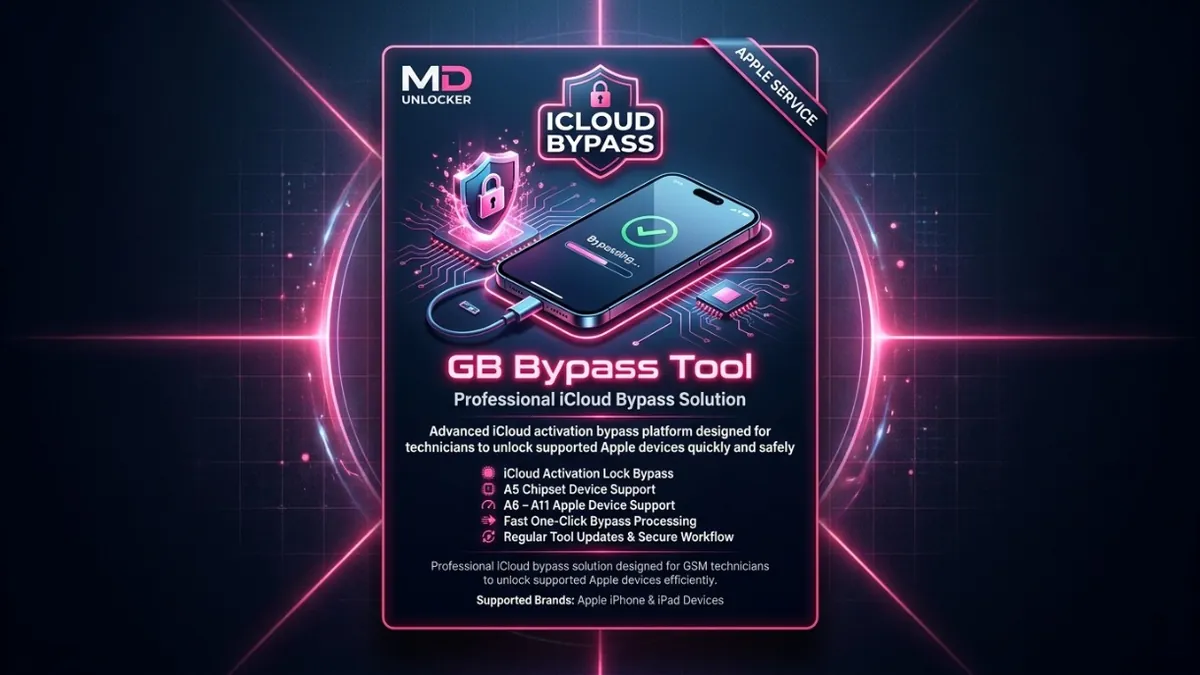
GB Bypass Tool No Signal Bypass is a professional GSM technician solution designed to perform iCloud activation bypass operations on supported iPhone and iPad devices using a simplified 1-click tool interface. The service is commonly used by mobile repair technicians, refurbishment labs, and GSM unlocking specialists who need to process Apple devices locked at the activation screen. The GB Bypass Tool supports a wide range of Apple devices starting from iPhone 6s up to the latest iPhone 17 Pro Max models, as well as iPad devices from A9 chipset to M-series chips. The tool provides an automated workflow that allows technicians to complete bypass operations with minimal manual steps. This method operates in No Signal mode, which means the device can bypass the activation screen while some network functions may be limited depending on the device model and firmware version. The 1-click operation design makes the process fast and suitable for professional GSM service environments. Supported Devices / Platforms • iPhone 6s → iPhone 17 Pro Max • iPad devices from A9 chipset → M3 • Devices running iOS 15 – 18.7.2 • Devices running iOS 26.0 – 26.1 • Windows PC required • USB connection between device and computer How to Use the Service 1️⃣ Install GB Bypass Tool on a Windows computer 2️⃣ Connect the supported iPhone or iPad device using a USB cable 3️⃣ Put the device into DFU mode 4️⃣ Launch GB Bypass Tool 5️⃣ Select the No Signal Bypass option 6️⃣ Click Start (1 Click Process) and wait until the bypass operation finishes 7️⃣ Reboot the device and continue the setup process Important Notes ⚠ Device compatibility must be verified before processing ⚠ Some device functions may be limited in No Signal mode ⚠ Processing success may depend on firmware version and device state ⚠ Designed for professional GSM technicians and repair labs NOT SUPPORTED ❌ Lost devices ❌ Stolen devices ❌ Blocklisted IMEI devices ❌ MDM managed devices ❌ Finance / installment locked devices #gbbypasstool #nosignalbypass #icloudbypass #iphoneunlock #ipadunlock #gsmtool #mobileunlock #gsmrepair #applebypass #mobiletechnician
$2.00
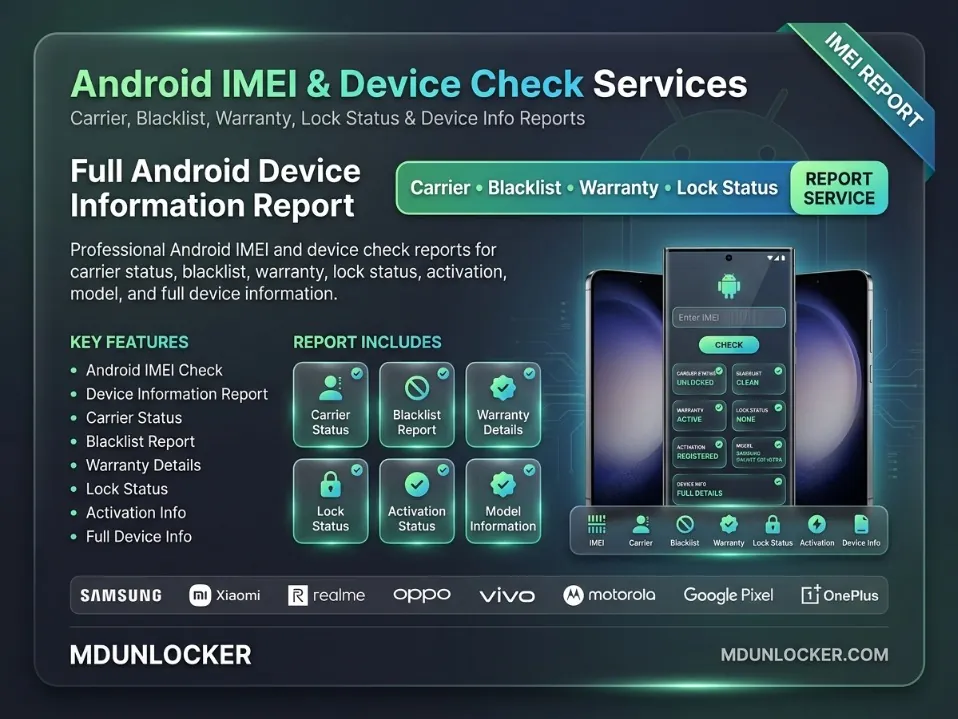
Samsung Info is a Samsung device information service designed to help technicians, resellers, and end users confirm key details about a Samsung phone before purchase, resale, or service intake. This listing provides a device info report based on the details you submit, giving you a clearer view of the handset’s identity and basic status for safer decision-making. Use Samsung Info when you need Samsung model and device identification support for inventory checks, customer quotes, or record keeping. It is commonly used as a quick Samsung device check to reduce mistakes when matching parts, planning service steps, or verifying that the provided device details look consistent. Ordering note: submit the requested device details carefully and exactly as shown on the device/box or customer paperwork, because the report output depends on correct input. If you manage multiple checks, keep a consistent naming or ticket reference for your records. This service is intended only for lawful and authorized use on eligible devices, tools, accounts, or customer-authorized repair requests.
$0.17
The Borneo Schematics Starter Plan (3 Months – 1 User) is a short-term activation license for technicians who need access to a smartphone motherboard schematics and component reference platform for hardware diagnostics. It is suited to repair shops, trainees, and independent techs who want to use the Borneo ecosystem for real repair jobs without committing to a longer plan. With this plan, you can use detailed motherboard schematics, component maps, and board-level diagrams to support troubleshooting on common fault areas such as power circuits, charging circuits, CPU lines, and memory-related sections. The goal is to help you identify components and understand board layout during diagnosis and repair planning. This listing is for a 3-month license for 1 user, making it a practical choice for lighter or trial use; technicians needing ongoing access typically choose longer-duration options when available. Order carefully with the correct account or activation details (if required) to avoid delays in license activation. This service is intended only for lawful and authorized use on eligible devices, tools, accounts, or customer-authorized repair requests.
-21%$13.00M.R.P.: $16.49
Phoenix Service Tool is a Windows-based multi-brand Android service software for GSM technicians and mobile repair shops that need one dashboard for common firmware and diagnostic workflows. It supports connecting devices by USB, reading device information, and running guided service operations for brands such as Samsung, Xiaomi, Nokia HMD, Oppo, OnePlus, Realme, Honor, Huawei, Vivo, and Transsion (Tecno/Infinix/Itel). Use it for firmware flashing, device reset, system repair, device diagnostics, EFS backup/restore, and other supported service functions from a single interface. Some operations are credit-based server functions, so an internet connection may be required when using those features. Windows 10/11 and correct USB drivers are recommended for stable device detection and workflow execution. This listing is provided as an account-based service, so submit the correct account details and keep your login information available for activation and future access. If you service devices regularly, an account setup is best for ongoing workshop use. This service is intended only for lawful and authorized use on eligible devices, tools, accounts, or customer-authorized repair requests.
$0.97
Get the official Unlock Tool 6-Month Activation License for technicians who need steady access to a professional Android GSM servicing tool. This is a digital, account-based activation that adds 6 months of license time to your Unlock Tool account, helping repair shops and mobile software service providers keep their workflow active without interruptions. This license is intended for professional servicing and diagnostics tasks supported by Unlock Tool, such as firmware servicing support, software repair workflow, and device maintenance operations within the tool’s interface. The 6-month duration is a practical choice for busy workshops that want longer-term coverage than a short plan, while still keeping renewal flexible. Important ordering note: you must register your official Unlock Tool account before purchase and submit the exact registered username at checkout, because the activation is bound to that account. This is a digital activation service and delivery is completed by applying the license to your account. This service is intended only for lawful and authorized use on eligible devices, tools, accounts, or customer-authorized repair requests.
-14%$25.75M.R.P.: $30.00
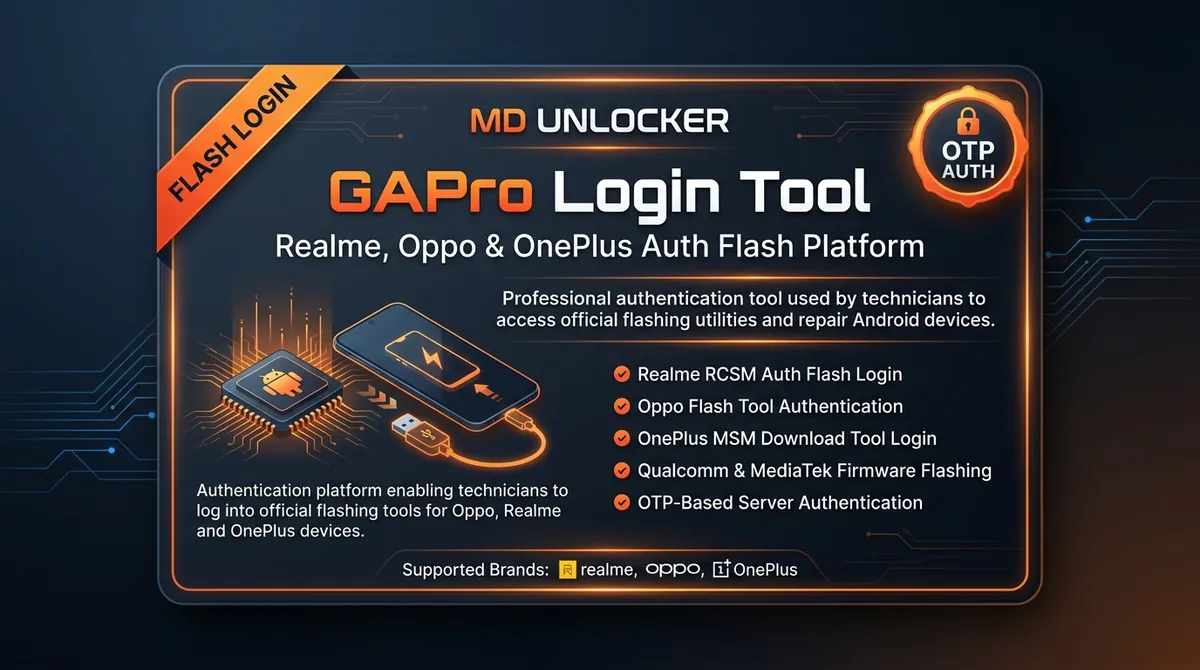
GAProLogin Tool – Realme OTP Login Service provides temporary OTP-based authentication for Realme service tool login through the GAProLogin server platform. It is designed for GSM repair technicians and service centers who need access to Realme flashing utilities that require authorized sign-in for supported software servicing workflows. With a valid OTP, technicians can proceed with manufacturer-style service operations such as firmware flashing, device reset, and software repair on eligible Realme smartphones, using the appropriate Realme utilities. This listing is focused on Realme Auth / Realme OTP access for tool login, helping streamline a technician workflow when official authentication is required. Important ordering note: server-side availability can vary, so please confirm GAProLogin server status/availability before purchase and ensure you provide accurate details needed for OTP login. This is a temporary authentication service (not a permanent license), intended for short-term access when you need to complete a service session. This service is intended only for lawful and authorized use on eligible devices, tools, accounts, or customer-authorized repair requests.
$1.52
No reviews for this service yet. Only customers with a completed order can write one, and every review is checked before it shows.
