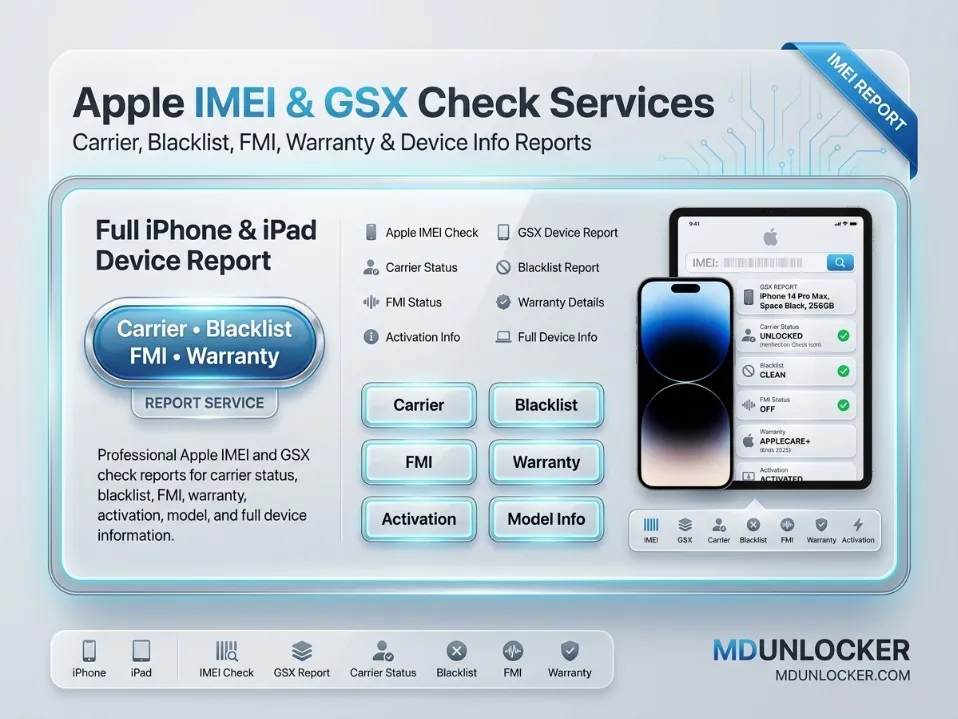
Apple BASIC INFO (PRO) is a professional Apple device information check service that returns a clear basic report for an iPhone or iPad using the details you submit (commonly the device serial number or IMEI, depending on your workflow). It is designed for technicians, resellers, and buyers who need to verify key device identity details before a purchase, intake, or resale listing. This service focuses on fast, readable device info reporting to support safer decision-making and cleaner inventory records. It fits common marketplace needs such as confirming the correct model family, matching device identifiers, and documenting device details for customer tickets. Order carefully with accurate device information (IMEI/Serial as required) because the report output depends entirely on the submitted data; incorrect entries can lead to incomplete or unusable results. No plan or duration is included in this listing—it is provided as a single service request for one device check. This service is intended only for lawful and authorized use on eligible devices, tools, accounts, or customer-authorized repair requests.
$0.11
The Warranty + Activation - Apple [SN] service provides an Apple device information report using the Serial Number (SN) you submit. It is designed for buyers, resellers, and repair shops that need a quick way to review warranty status and activation-related details before a purchase, intake, or resale listing. This is a check/report service in the Apple IMEI & GSX check category, focused on SN-based lookup. To order, enter the correct Apple Serial Number (SN) exactly as shown in the device settings or packaging. Results depend on accurate submitted details, so double-check characters before checkout. This service is useful for verifying device history signals tied to warranty and activation information when you are documenting a customer device or confirming eligibility for service planning. Important: This service provides information only and does not change any device status. This service is intended only for lawful and authorized use on eligible devices or customer-authorized repair requests.
$0.08
The iMac FMI Status On/Off service provides a clear status report showing whether Find My (FMI) is ON or OFF for a specific iMac. This is useful for buyers, resellers, IT teams, and repair shops that need to verify device status before purchase, intake, resale, or authorized service planning. It is designed as an IMEI/serial-based Apple status check and helps reduce surprises during ownership transfer or device preparation. To place an order, submit the correct iMac device identifier exactly as requested in your order form (for example, the serial number if that is what your checkout requires). Incorrect or incomplete details can lead to delays or an invalid result, so double-check characters and spacing before payment. This listing is a status check only; it does not change any iCloud, Find My, or activation settings. This service is intended only for lawful and authorized use on eligible devices, tools, accounts, or customer-authorized repair requests.
$0.37
This service provides an Apple SERIAL information report that returns key device identity details such as model, storage size, and color. It is designed for technicians, resellers, and buyers who need to confirm basic Apple device specifications from a serial number before listing, purchasing, inventorying, or preparing a repair workflow. You can use this Apple serial info lookup to help match the correct parts and accessories, verify the exact device variant, and reduce mistakes when comparing similar models. Submit the Apple serial number exactly as shown (no extra spaces or missing characters) to avoid delays or invalid results. This is a digital report service; it does not install software and does not change anything on the device. Important: This service is intended only for lawful and authorized use on eligible devices, tools, accounts, or customer-authorized repair requests.
$0.08
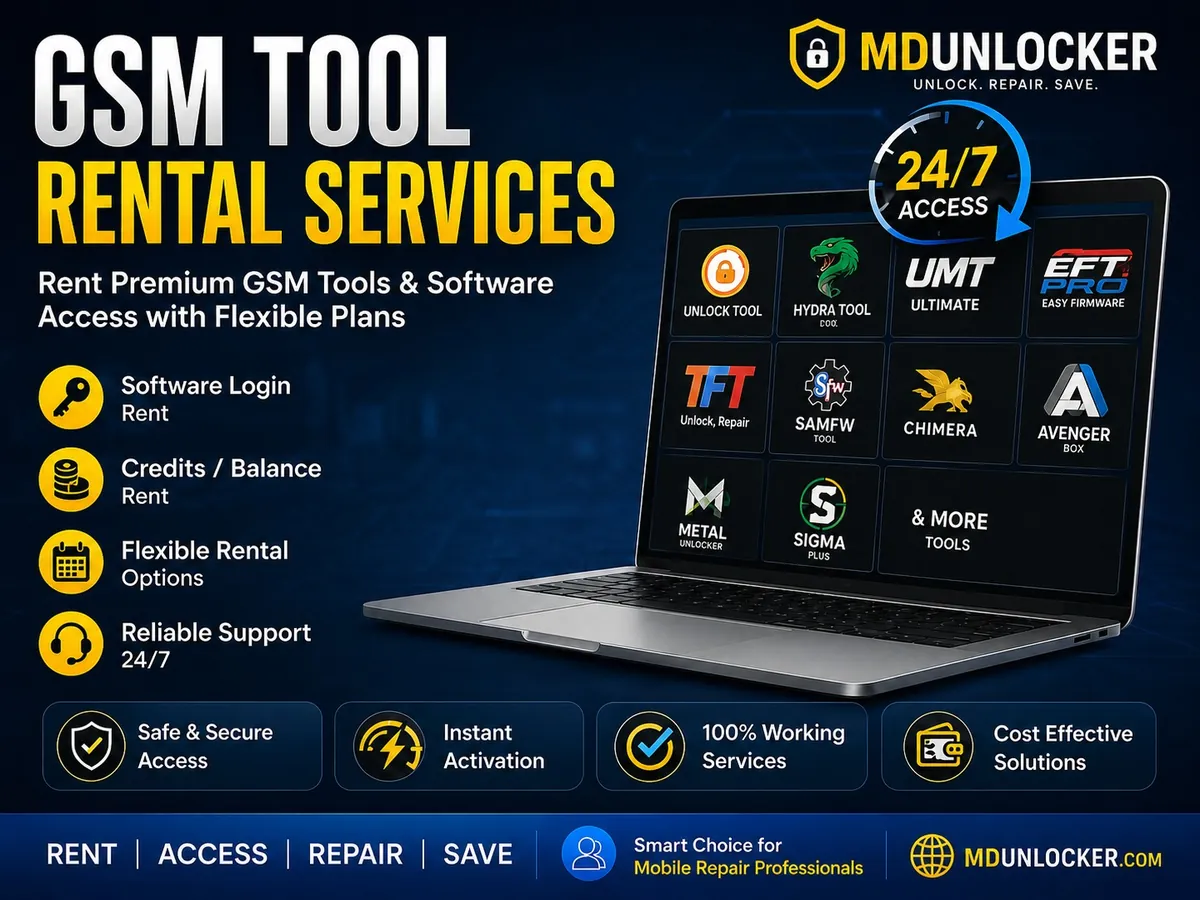
UnlockTool 6Hr Login Rent provides time-limited access (6 hours) to an UnlockTool login session for technicians who need short-term use without a long subscription. It is designed for service-center and repair-shop workflows where you only need the tool for a specific job window, testing, or a single service session. This listing is a login rental service, meaning access is provided for the stated duration and is best suited for light or occasional use. If you expect repeated work across multiple days, a longer-duration option (if available in the catalog) is usually a better fit than multiple short rentals. Order carefully and be ready to use the access during the 6-hour period, as the time window is limited. If any account or login details are requested during checkout, submit accurate information to avoid delays. This service is intended only for lawful and authorized use on eligible devices, tools, accounts, or customer-authorized repair requests.
$0.32
Android Multi Tool Rent - 2hr is a short-term rental service that provides time-limited access to an Android multi tool environment for technicians and repair shops. This 2-hour rental is designed for quick, one-off jobs where you only need temporary access instead of a longer subscription. During the rental window, you can use the tool access for supported Android servicing and maintenance workflows that are available within the platform. It’s a practical option for testing compatibility, completing a single supported operation, or handling occasional service requests without committing to a longer plan. Plan meaning: the “2hr” duration refers to the rental time period, so it best fits light use and urgent tasks; if you expect multiple jobs or longer sessions, choose a longer rental option when available. Ordering note: provide accurate order details and follow the access/activation instructions given after purchase, because rental access is time-based and depends on correct information. This service is intended only for lawful and authorized use on eligible devices, tools, accounts, or customer-authorized repair requests.
$0.18
TSM Tool Pro / TSM Pro Edition Rent - 12hr is a short-term rental access service for technicians who need temporary use of the TSM Tool Pro (TSM Pro Edition) environment for supported phone servicing workflows. This listing provides time-limited access for 12 hours, making it a practical choice for one-off jobs, testing, or completing a specific repair session without committing to a longer rental. During the rental window, you can use the Pro/Pro Edition features available under your access for normal software-assisted servicing tasks, such as device maintenance and supported repair operations within the tool. Choose the 12hr rent option when you only need brief access; longer rental durations are better for ongoing daily shop use. Important: provide accurate account or login details (if requested at checkout) so activation can be applied correctly and on time. Access time starts based on the service activation schedule, so order only when you are ready to use the tool. This service is intended only for lawful and authorized use on eligible devices, tools, accounts, or customer-authorized repair requests.
-38%$0.62M.R.P.: $1.00
Lazy Loader Credits are used inside the Lazy Loader platform to run server-based authentication operations for supported Xiaomi and Vivo devices. This listing is intended for GSM technicians and professional repair shops that need credit-based access to secure, online verification steps during eligible servicing workflows. Credits are consumed based on the specific operation you select in the tool, so usage can vary by job type. With these credits, technicians can access Xiaomi authentication flashing workflows and Vivo authorization / authentication services that require secure server verification within the platform. A valid Lazy Loader account is required because credits are delivered and used through your account, and an internet connection is required while running server services. Double-check your account details before ordering, as credits are non-refundable after transfer. This service is intended only for lawful and authorized use on eligible devices, tools, accounts, or customer-authorized repair requests.
$0.12
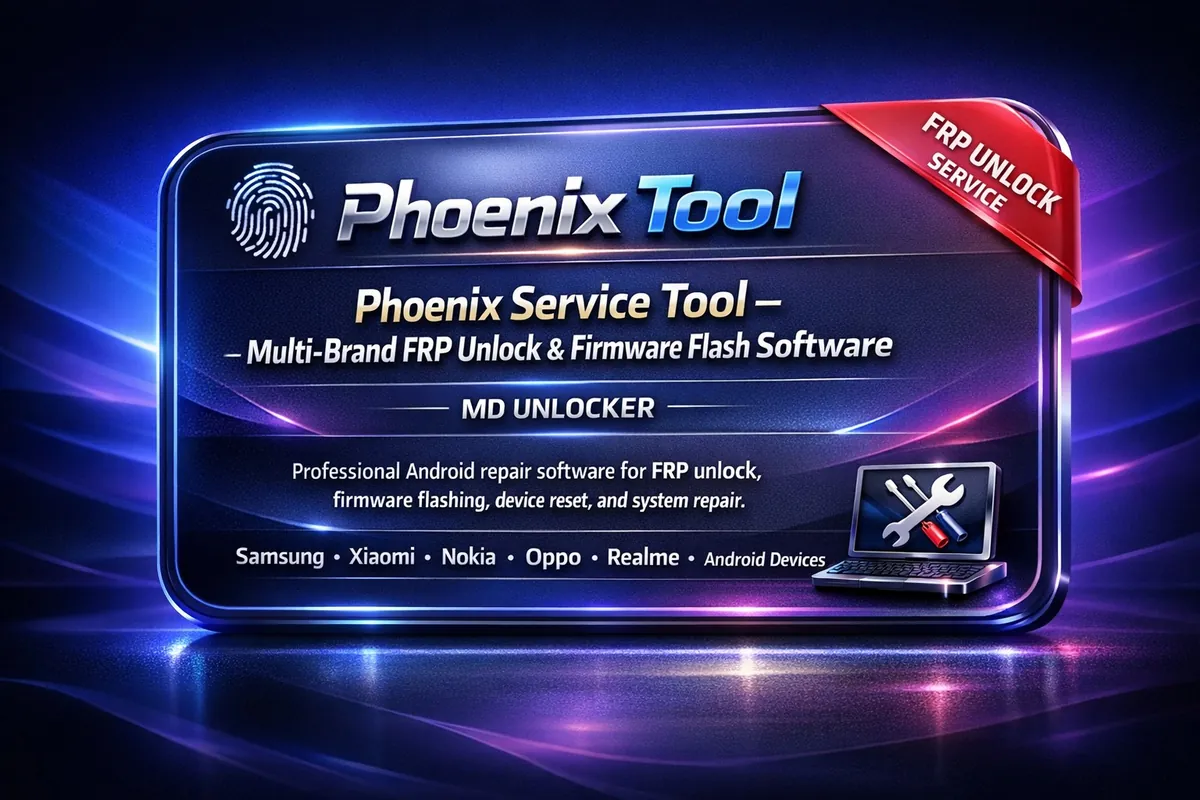
Phoenix Service Tool is a Windows-based multi-brand Android service software for GSM technicians and mobile repair shops that need one dashboard for common firmware and diagnostic workflows. It supports connecting devices by USB, reading device information, and running guided service operations for brands such as Samsung, Xiaomi, Nokia HMD, Oppo, OnePlus, Realme, Honor, Huawei, Vivo, and Transsion (Tecno/Infinix/Itel). Use it for firmware flashing, device reset, system repair, device diagnostics, EFS backup/restore, and other supported service functions from a single interface. Some operations are credit-based server functions, so an internet connection may be required when using those features. Windows 10/11 and correct USB drivers are recommended for stable device detection and workflow execution. This listing is provided as an account-based service, so submit the correct account details and keep your login information available for activation and future access. If you service devices regularly, an account setup is best for ongoing workshop use. This service is intended only for lawful and authorized use on eligible devices, tools, accounts, or customer-authorized repair requests.
$0.98

The Xiaomi Find My Device Status Check is a verification service that helps you confirm the Find My Device / Find Device status linked to a Xiaomi phone. It is designed for technicians, resellers, and owners who want to review device status before a sale, a handover, or a customer-authorized service job. This check is useful when you need clearer information about whether a device is associated with Xiaomi’s device-finding protection features. What you get: a clear status result for the Xiaomi Find My Device feature based on the details you submit. Important ordering note: submit the requested device information carefully and double-check for typos, because the result depends on accurate input. If your workflow involves multiple devices, run this check per device to keep records consistent. This service is intended only for lawful and authorized use on eligible devices, tools, accounts, or customer-authorized repair requests.
Free
Dft Pro Tool Rent - 48h is a short-term rental service that provides time-limited access to the Dft Pro Tool for 48 hours. It is designed for technicians and repair shops that need the tool for a specific job window without committing to a longer plan. This option fits urgent or occasional use where you want controlled access for a defined period. During the 48-hour rental period, you can use the tool as needed for your supported service workflow. Choose this 48h rent option for one-off tasks or quick turnaround work; if you expect repeated use, a longer rental duration is usually more practical (when available in the catalog). Important ordering note: rental services are typically account-based and time-counted, so submit the correct account details and start time expectations when ordering to avoid delays. This service is intended only for lawful and authorized use on eligible devices, tools, accounts, or customer-authorized repair requests.
-25%$1.50M.R.P.: $2.00
TFM Tool Pro Credits are account-based server credits used inside the TFM Tool Pro ecosystem to access premium, server-dependent functions that require online authorization. This top-up is designed for GSM technicians and mobile repair shops that already use TFM Tool Pro and need a ready credit balance for supported advanced workflows. Credits work alongside your software setup to enable supported Authentication (Auth) services and other server-side operations available in TFM Tool Pro. Keeping credits available helps reduce delays when a job requires online processing through the tool’s service platform. An active TFM Tool Pro license is required, and credits are consumed only when you run eligible credit-based services. To order, provide the correct TFM Tool account details so the top-up can be applied to the right account. After delivery, sign in to your TFM Tool Pro account and confirm the updated credit balance before starting a job. If you do occasional work, a smaller top-up may be enough; for higher shop volume, choose a larger balance to avoid interruptions. This service is intended only for lawful and authorized use on eligible devices, tools, accounts, or customer-authorized repair requests.
$0.98
No reviews for this service yet. Only customers with a completed order can write one, and every review is checked before it shows.
