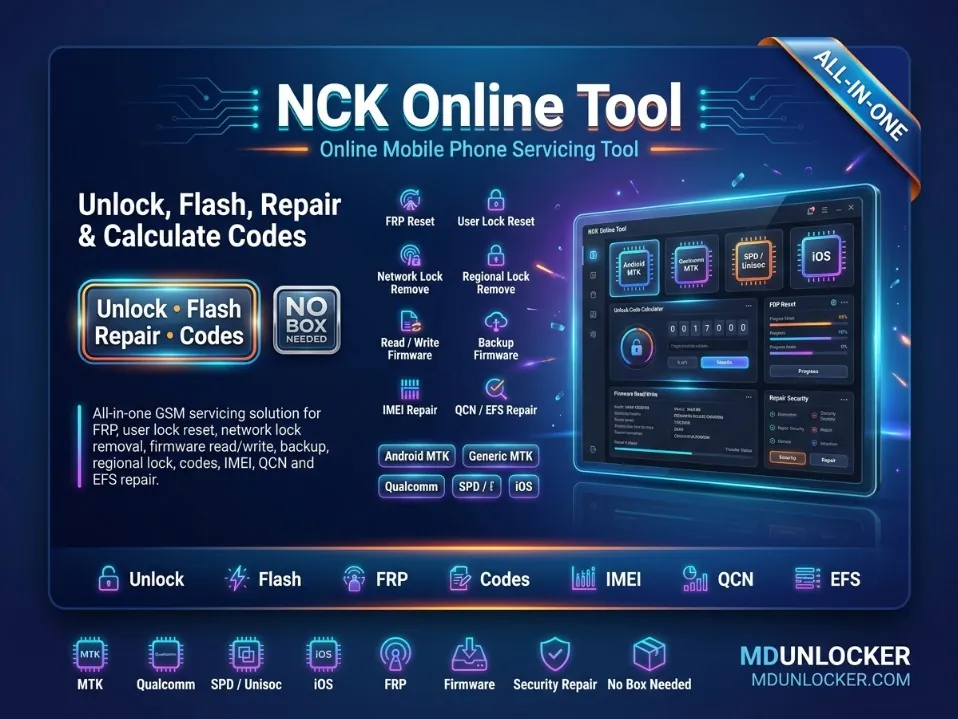
NCK Online Tool is a web-based service platform for mobile repair technicians who need account-based access to supported device servicing workflows from a single online dashboard. This listing is the 1 Month Plan, designed for short-term use, testing the platform, or handling occasional customer-authorized jobs without committing to a longer subscription. With an active account, technicians can use the online tool environment for supported repair operations and firmware servicing support where applicable within the platform. The service is delivered through account activation, so you should provide accurate account details during checkout to avoid delays. If you expect regular daily use, longer-duration plans (3 months, 6 months, 1 year, or 2 years) are typically a better fit; the 1 month option suits lighter or temporary needs. Important: This is a digital service tied to your account, not a physical dongle or hardware shipment. Use only on eligible devices and only with proper authorization from the device owner or a legitimate repair request. This service is intended only for lawful and authorized use on eligible devices, tools, accounts, or customer-authorized repair requests.
NCK Online Tool Network Unlock Service – 3 Months Plan is an account-based online service platform designed for mobile repair technicians who need access to supported device servicing workflows from a web dashboard. This listing is focused on network/SIM-related service access through your NCK Online Tool account, without requiring extra hardware. With this plan, you receive 3 months of service access via account activation/refill, suitable for shops and technicians who want a mid-term option without committing to a full year. Use it for day-to-day technician operations where server-side tools and updates are managed through the platform interface. Order carefully using the correct account details so the activation can be applied to the right user profile; access is typically tied to your registered account. Plan guidance: 3 months is a practical choice for steady monthly workload; longer plans are better for continuous high-volume use. This service is intended only for lawful and authorized use on eligible devices, tools, accounts, or customer-authorized repair requests.
$11.00
NCK Online Tool SIM Unlock Service – 6 Months Plan is an account-based server service for mobile repair technicians who need access to NCK Online Tool features through a web platform. This listing is for a 6‑month service period with account activation/refill, designed for professional workflows where you manage jobs from an online dashboard without extra hardware. Plan meaning: the 6‑month plan is a mid‑term option for regular shop use; shorter plans fit lighter or occasional use, while 1–2 year plans fit long-term, ongoing service needs. Ordering notes: provide the correct account details for activation, and keep your login information secure, as access is tied to your account. Service availability and supported operations can depend on the tool’s current server-side support and your selected service options. This service is intended only for lawful and authorized use on eligible devices, tools, accounts, or customer-authorized repair requests.
$15.60
NCK Online Tool Pattern Removal – 1 Year Plan is an account-based online service for mobile repair technicians who need access to supported device servicing operations through a web platform. This listing focuses on Pattern Removal service access under a 1 year activation plan, designed for workshops that want longer-term continuity instead of short refills. With an active account, technicians can use the NCK Online Tool dashboard for supported repair workflows, including pattern/password servicing and firmware flashing support where available in the platform. The 1 year plan is a practical choice for regular shop use; shorter plans (such as 1–6 months) typically fit lighter or occasional usage, while longer plans help reduce renewal frequency. Ordering notes: provide the correct account details for activation, and keep your login information consistent to avoid delays. This is a server-based service, so access depends on your active plan status. This service is intended only for lawful and authorized use on eligible devices, tools, accounts, or customer-authorized repair requests.
$24.70
NCK Online Tool Firmware Flashing Service – 2 Years Plan is a web-based service platform designed for mobile repair technicians who need account-based access to supported firmware servicing workflows. This 2-year plan provides longer-term service access under your NCK Online Tool account, helping shops and frequent users keep a stable setup for ongoing device software jobs. Inside the online dashboard, technicians can use supported features such as firmware flashing and server-side repair operations for major smartphone brands, with service availability depending on the tool’s current server support and your account status. Activation is account-based, so you’ll typically need an existing account (or create one) and submit the correct account details for provisioning. For best results, double-check the selected plan duration (2 years) and ensure your order information matches the account you want activated. Intended for lawful and authorized use only on eligible devices and customer-authorized repair requests.
$38.25
UnlockTool 6Hr Login Rent provides time-limited access (6 hours) to an UnlockTool login session for technicians who need short-term use without a long subscription. It is designed for service-center and repair-shop workflows where you only need the tool for a specific job window, testing, or a single service session. This listing is a login rental service, meaning access is provided for the stated duration and is best suited for light or occasional use. If you expect repeated work across multiple days, a longer-duration option (if available in the catalog) is usually a better fit than multiple short rentals. Order carefully and be ready to use the access during the 6-hour period, as the time window is limited. If any account or login details are requested during checkout, submit accurate information to avoid delays. This service is intended only for lawful and authorized use on eligible devices, tools, accounts, or customer-authorized repair requests.
-50%$0.30M.R.P.: $0.60
TSM Tool Pro / TSM Pro Edition Rent - 12hr is a short-term rental access service for technicians who need temporary use of the TSM Tool Pro (TSM Pro Edition) environment for supported phone servicing workflows. This listing provides time-limited access for 12 hours, making it a practical choice for one-off jobs, testing, or completing a specific repair session without committing to a longer rental. During the rental window, you can use the Pro/Pro Edition features available under your access for normal software-assisted servicing tasks, such as device maintenance and supported repair operations within the tool. Choose the 12hr rent option when you only need brief access; longer rental durations are better for ongoing daily shop use. Important: provide accurate account or login details (if requested at checkout) so activation can be applied correctly and on time. Access time starts based on the service activation schedule, so order only when you are ready to use the tool. This service is intended only for lawful and authorized use on eligible devices, tools, accounts, or customer-authorized repair requests.
-38%$0.62M.R.P.: $1.00
Android Multi Tool Rent - 2hr is a short-term rental service that provides time-limited access to an Android multi tool environment for technicians and repair shops. This 2-hour rental is designed for quick, one-off jobs where you only need temporary access instead of a longer subscription. During the rental window, you can use the tool access for supported Android servicing and maintenance workflows that are available within the platform. It’s a practical option for testing compatibility, completing a single supported operation, or handling occasional service requests without committing to a longer plan. Plan meaning: the “2hr” duration refers to the rental time period, so it best fits light use and urgent tasks; if you expect multiple jobs or longer sessions, choose a longer rental option when available. Ordering note: provide accurate order details and follow the access/activation instructions given after purchase, because rental access is time-based and depends on correct information. This service is intended only for lawful and authorized use on eligible devices, tools, accounts, or customer-authorized repair requests.
$0.18
Lazy Loader Credits are used inside the Lazy Loader platform to run server-based authentication operations for supported Xiaomi and Vivo devices. This listing is intended for GSM technicians and professional repair shops that need credit-based access to secure, online verification steps during eligible servicing workflows. Credits are consumed based on the specific operation you select in the tool, so usage can vary by job type. With these credits, technicians can access Xiaomi authentication flashing workflows and Vivo authorization / authentication services that require secure server verification within the platform. A valid Lazy Loader account is required because credits are delivered and used through your account, and an internet connection is required while running server services. Double-check your account details before ordering, as credits are non-refundable after transfer. This service is intended only for lawful and authorized use on eligible devices, tools, accounts, or customer-authorized repair requests.
$0.12
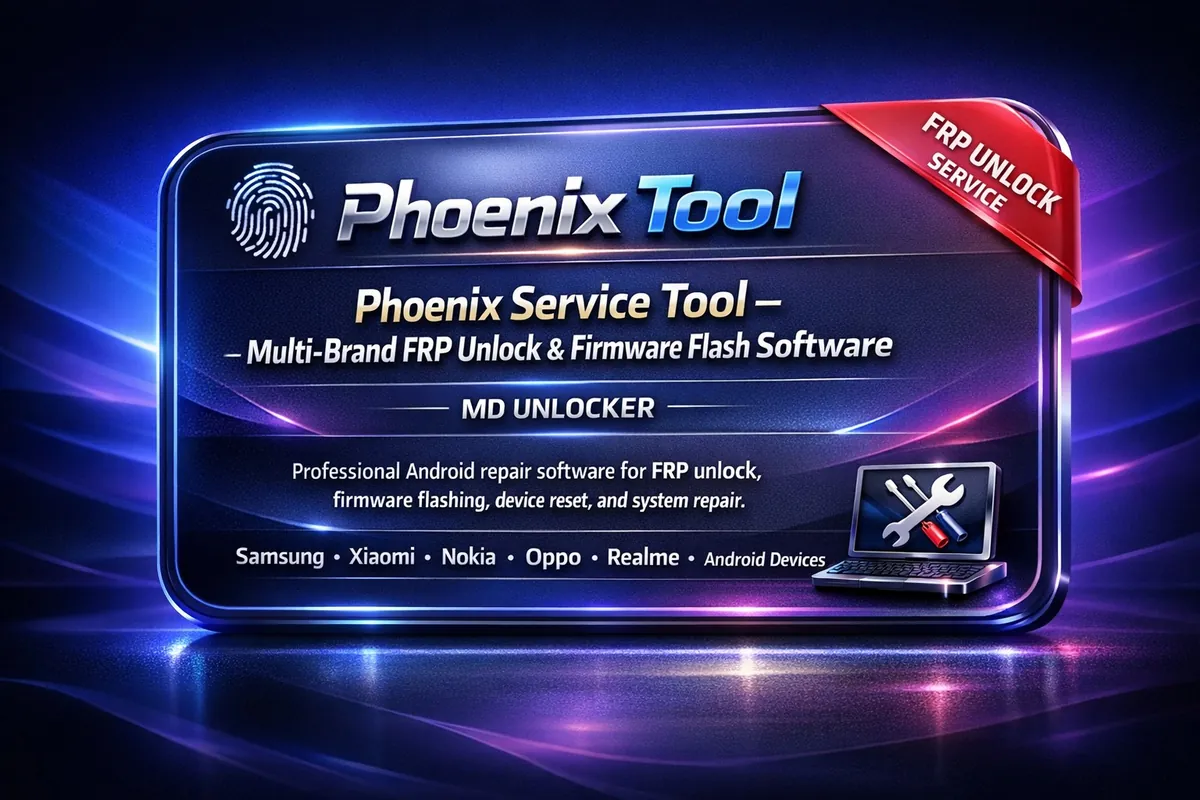
Phoenix Service Tool is a Windows-based multi-brand Android service software for GSM technicians and mobile repair shops that need one dashboard for common firmware and diagnostic workflows. It supports connecting devices by USB, reading device information, and running guided service operations for brands such as Samsung, Xiaomi, Nokia HMD, Oppo, OnePlus, Realme, Honor, Huawei, Vivo, and Transsion (Tecno/Infinix/Itel). Use it for firmware flashing, device reset, system repair, device diagnostics, EFS backup/restore, and other supported service functions from a single interface. Some operations are credit-based server functions, so an internet connection may be required when using those features. Windows 10/11 and correct USB drivers are recommended for stable device detection and workflow execution. This listing is provided as an account-based service, so submit the correct account details and keep your login information available for activation and future access. If you service devices regularly, an account setup is best for ongoing workshop use. This service is intended only for lawful and authorized use on eligible devices, tools, accounts, or customer-authorized repair requests.
$0.97
The Galaxy Multi Tool 3 hr service is a specialized rental option within our GSM Tool Rental Services for Mobile Repair Workflows collection. This server service provides access to essential software utilities designed to assist technicians in handling various mobile device repair scenarios efficiently. It functions as a temporary solution for professionals who need immediate tool capabilities without committing to long-term licensing or purchasing expensive hardware. This plan offers a three-hour window of operation, making it ideal for small shops, individual repairers, or teams with intermittent high-volume needs. Users gain access to the core features required for their daily diagnostic and repair tasks during this specific timeframe. The service suits anyone seeking flexible, short-term support to maintain workflow continuity without significant upfront investment in permanent server credits or full software suites. It represents a practical choice for those requiring short-term tool access and temporary server usage to complete urgent repair jobs. Technicians can rely on this GSM tool rental to ensure their mobile repair workflows remain uninterrupted during peak hours. This server service allows users to leverage essential software utilities effectively while avoiding the costs associated with permanent installations.
-54%$0.60M.R.P.: $1.30
Phoenix Service Tool is a Windows-based multi-brand Android service software for GSM technicians and mobile repair shops that need one dashboard for common firmware and diagnostic workflows. It supports connecting devices by USB, reading device information, and running guided service operations for brands such as Samsung, Xiaomi, Nokia HMD, Oppo, OnePlus, Realme, Honor, Huawei, Vivo, and Transsion (Tecno/Infinix/Itel). Use it for firmware flashing, device reset, system repair, device diagnostics, EFS backup/restore, and other supported service functions from a single interface. Some operations are credit-based server functions, so an internet connection may be required when using those features. Windows 10/11 and correct USB drivers are recommended for stable device detection and workflow execution. This listing is provided as an account-based service, so submit the correct account details and keep your login information available for activation and future access. If you service devices regularly, an account setup is best for ongoing workshop use. This service is intended only for lawful and authorized use on eligible devices, tools, accounts, or customer-authorized repair requests.
$0.96
TFM Tool Pro Credits are account-based server credits used inside the TFM Tool Pro ecosystem to access premium, server-dependent functions that require online authorization. This top-up is designed for GSM technicians and mobile repair shops that already use TFM Tool Pro and need a ready credit balance for supported advanced workflows. Credits work alongside your software setup to enable supported Authentication (Auth) services and other server-side operations available in TFM Tool Pro. Keeping credits available helps reduce delays when a job requires online processing through the tool’s service platform. An active TFM Tool Pro license is required, and credits are consumed only when you run eligible credit-based services. To order, provide the correct TFM Tool account details so the top-up can be applied to the right account. After delivery, sign in to your TFM Tool Pro account and confirm the updated credit balance before starting a job. If you do occasional work, a smaller top-up may be enough; for higher shop volume, choose a larger balance to avoid interruptions. This service is intended only for lawful and authorized use on eligible devices, tools, accounts, or customer-authorized repair requests.
$0.98
No reviews for this service yet. Only customers with a completed order can write one, and every review is checked before it shows.
