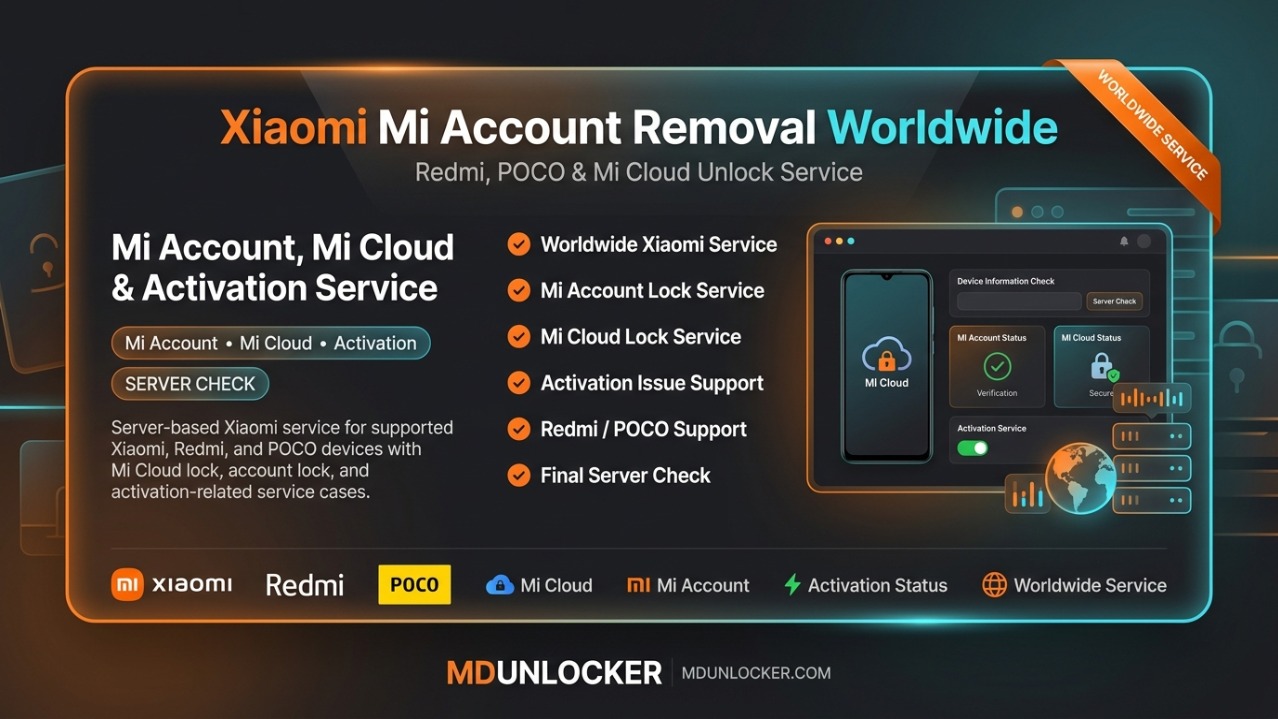
This listing is for a Xiaomi Mi Account service request for Saudi Arabia, submitted as an account-based order through our marketplace workflow. It is intended for technicians and owners who need help with a Mi account status issue on an eligible Xiaomi / Redmi / POCO device where the customer can prove authorization. What you get: processing of your request using the details you provide, with handling aligned to the selected Saudi Arabia option. Because this is an account-type service, correct information is essential. Before ordering, confirm the device model/region and provide accurate order details exactly as requested at checkout (for example, the account identifier or device identifiers, if the form asks for them). If any detail is wrong or incomplete, the request may be delayed or rejected. Choose this Saudi Arabia option when the device/account is tied to that region; if you need a different country, select the matching listing for your region. This service is intended only for lawful and authorized use on eligible devices, tools, accounts, or customer-authorized repair requests.
Xiaomi Mi Account Removal Clean - Malaysia is an account-based service request intended for eligible Xiaomi devices in Malaysia where the owner needs help resolving a Mi Account sign-in association as part of a normal service workflow. This listing is designed for customer-owned Redmi, POCO, and Xiaomi (Mi) devices that require a clean, authorized account status update through a supported process. This service is best for repair shops and end users who can provide correct device and account details for verification. Order accuracy matters: submit the exact information requested during checkout (such as the device identifiers and the Mi account details, if asked). If your order is linked to a platform account, use the correct registered username/email so the service can be applied to the right request. Plan note: this is an account-type service (not a time-based license). It is typically chosen when you need a single, specific service action rather than ongoing access. This service is intended only for lawful and authorized use on eligible devices, tools, accounts, or customer-authorized repair requests.
$0.00
The Xiaomi Mi Account Remove Official Cambodia service is an account-based request for eligible Xiaomi devices where a Mi account status must be handled through an official Cambodia channel. It is intended for technicians and owners who need a clear, marketplace-ordered service tied to a specific Xiaomi/Mi account situation, using the correct submitted details. This listing is focused on Xiaomi Mi Account service processing for Cambodia and is grouped under worldwide Xiaomi account services for Redmi, POCO, and Mi devices. Plan type: account means the order is linked to an account/service request (not a time license, not credits, and not a multi-PC software activation). Ordering note: submit the exact required account/device details exactly as requested during checkout; incorrect or incomplete information can delay or prevent processing. This service is intended only for lawful and authorized use on eligible devices, tools, accounts, or customer-authorized repair requests.
$27.79
This listing is for Xiaomi Mi Account Lock Remove MEXICO, an account-based service request intended for Xiaomi devices in Mexico where a Mi account sign-in issue is blocking normal setup or access. It is designed for technicians and owners who need a structured service order for eligible Xiaomi / Redmi / POCO devices tied to Mi Cloud. Plan: Account means the order is processed using account/service credentials on the provider side (not a time-based license). To place an order, submit accurate device and account-related details exactly as requested at checkout; incorrect information can delay or prevent processing. If you manage multiple devices, keep a clear record of each order’s submitted details so the correct case is handled. Important: This service is intended only for lawful and authorized use on eligible devices, tools, accounts, or customer-authorized repair requests.
$26.45
This listing is for Xiaomi Reactivation Lock Remove (THAILAND), an account-based activation service intended for eligible Xiaomi devices in Thailand that are blocked by a reactivation lock after a reset or account sign-in requirement. It is designed for repair shops and end users who need a legitimate service request processed using correct device and account details. What you get: a service request to help restore normal access when the device is tied to a previous Mi/Xiaomi account state. Plan hint: activation means this is a one-time service action (not a monthly license or renewable subscription). Ordering notes: submit the requested information carefully and exactly as required for the order (wrong or incomplete details can delay or prevent processing). If you have multiple devices, place separate orders for each device. This service is intended only for lawful and authorized use on eligible devices, tools, accounts, or customer-authorized repair requests.
$16.40
Lazy Loader Credits are used inside the Lazy Loader platform to run server-based authentication operations for supported Xiaomi and Vivo devices. This listing is intended for GSM technicians and professional repair shops that need credit-based access to secure, online verification steps during eligible servicing workflows. Credits are consumed based on the specific operation you select in the tool, so usage can vary by job type. With these credits, technicians can access Xiaomi authentication flashing workflows and Vivo authorization / authentication services that require secure server verification within the platform. A valid Lazy Loader account is required because credits are delivered and used through your account, and an internet connection is required while running server services. Double-check your account details before ordering, as credits are non-refundable after transfer. This service is intended only for lawful and authorized use on eligible devices, tools, accounts, or customer-authorized repair requests.
$0.12
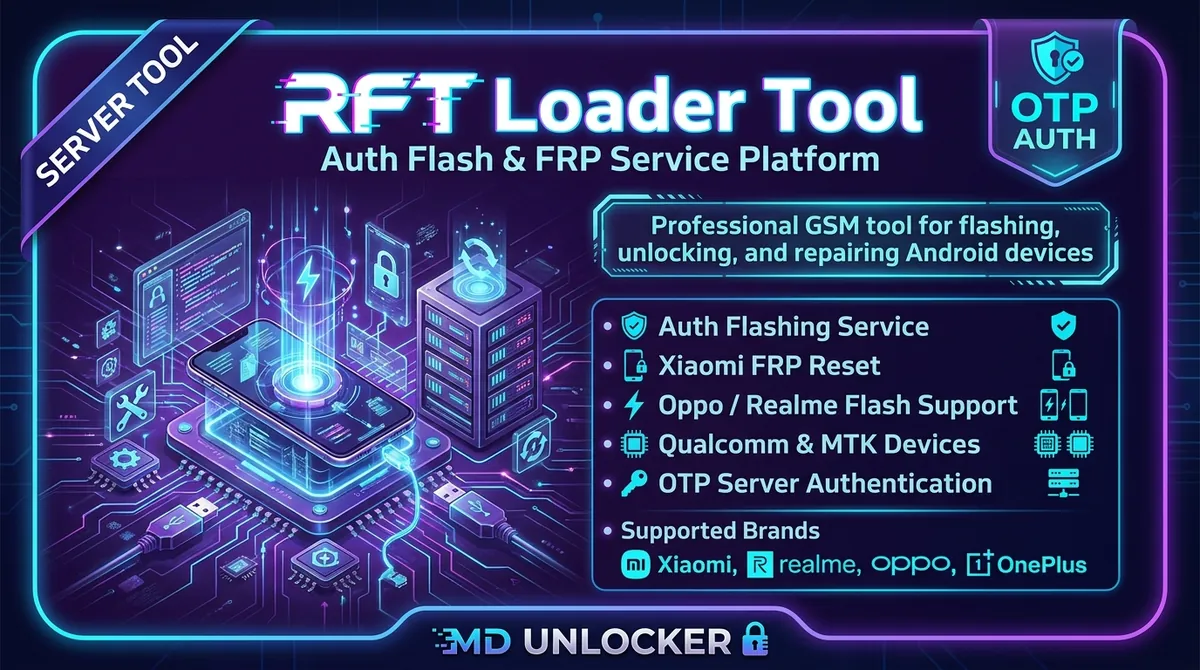
RFT OTP – Realme Auth Auto Login (O+ Supported) | 24x7 Server is an OTP-based server login service for the RFT Loader Tool, built for GSM technicians and repair shops that need authenticated access to supported Realme service modules. It works as a secure authentication step so the RFT Loader platform can launch compatible servicing utilities for eligible devices where server authorization is required. With this service, you use an OTP token to sign in and authenticate supported operations inside the RFT Loader interface. Internet connection is required for server authentication, and the OTP may be time-limited or consumed during successful authentication or if errors occur, so accurate workflow and correct selections matter. Submit the correct account/login details exactly as required by the tool, then log in through RFT Loader and proceed only with supported modules for your device and firmware. Important: This listing provides account-based OTP authentication access (not a physical product). Intended only for lawful and authorized use on eligible devices, tools, accounts, or customer-authorized repair requests.
$4.10
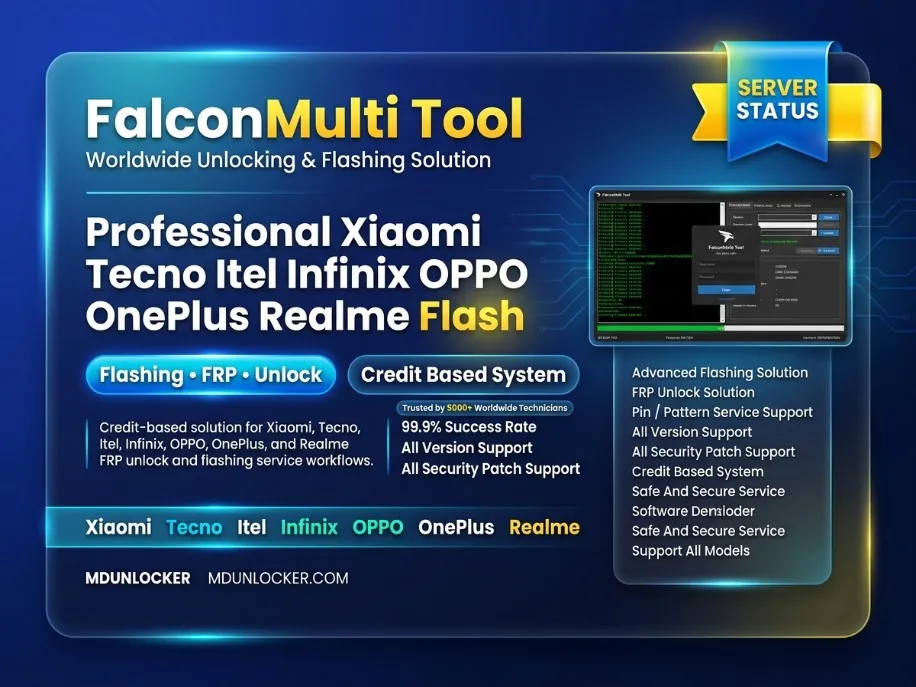
Falcon Multi Tool Credits (CRD) are a pay-per-use credit refill used to access supported online server operations inside the Falcon Multi Tool platform. This listing is for technicians and existing users who need additional CRD balance to continue MediaTek (MTK) Android software servicing and repair workflows without interruption. Within Falcon Multi Tool, CRD is consumed automatically based on the specific operation you select and the supported device model. The platform is commonly used for MediaTek flashing operations, scatter/XML firmware processing, fastboot service functions, and other software repair operations available in the tool. Credit usage varies by function, so it’s important to check the tool’s on-screen CRD cost and supported model list before starting any job. Ordering note: make sure you are refilling the correct Falcon Multi Tool account and provide accurate account details required for credit delivery. An internet connection is required for server validation and online functions. This service is intended only for lawful and authorized use on eligible devices, tools, accounts, or customer-authorized repair requests.
$0.97
![GB Bypass Tool - iPhone 6s To 17 Pro Max - iPad A9 To M3 [ iOS 15 - 18.7.2 And iOS 26.0 - 26.1 ] No Signal](/files/private/icons/gb-bypass-tool-icloud-bypass.webp)
GB Bypass Tool No Signal Bypass is a professional GSM technician solution designed to perform iCloud activation bypass operations on supported iPhone and iPad devices using a simplified 1-click tool interface. The service is commonly used by mobile repair technicians, refurbishment labs, and GSM unlocking specialists who need to process Apple devices locked at the activation screen. The GB Bypass Tool supports a wide range of Apple devices starting from iPhone 6s up to the latest iPhone 17 Pro Max models, as well as iPad devices from A9 chipset to M-series chips. The tool provides an automated workflow that allows technicians to complete bypass operations with minimal manual steps. This method operates in No Signal mode, which means the device can bypass the activation screen while some network functions may be limited depending on the device model and firmware version. The 1-click operation design makes the process fast and suitable for professional GSM service environments. Supported Devices / Platforms • iPhone 6s → iPhone 17 Pro Max • iPad devices from A9 chipset → M3 • Devices running iOS 15 – 18.7.2 • Devices running iOS 26.0 – 26.1 • Windows PC required • USB connection between device and computer How to Use the Service 1️⃣ Install GB Bypass Tool on a Windows computer 2️⃣ Connect the supported iPhone or iPad device using a USB cable 3️⃣ Put the device into DFU mode 4️⃣ Launch GB Bypass Tool 5️⃣ Select the No Signal Bypass option 6️⃣ Click Start (1 Click Process) and wait until the bypass operation finishes 7️⃣ Reboot the device and continue the setup process Important Notes ⚠ Device compatibility must be verified before processing ⚠ Some device functions may be limited in No Signal mode ⚠ Processing success may depend on firmware version and device state ⚠ Designed for professional GSM technicians and repair labs NOT SUPPORTED ❌ Lost devices ❌ Stolen devices ❌ Blocklisted IMEI devices ❌ MDM managed devices ❌ Finance / installment locked devices #gbbypasstool #nosignalbypass #icloudbypass #iphoneunlock #ipadunlock #gsmtool #mobileunlock #gsmrepair #applebypass #mobiletechnician
$2.00
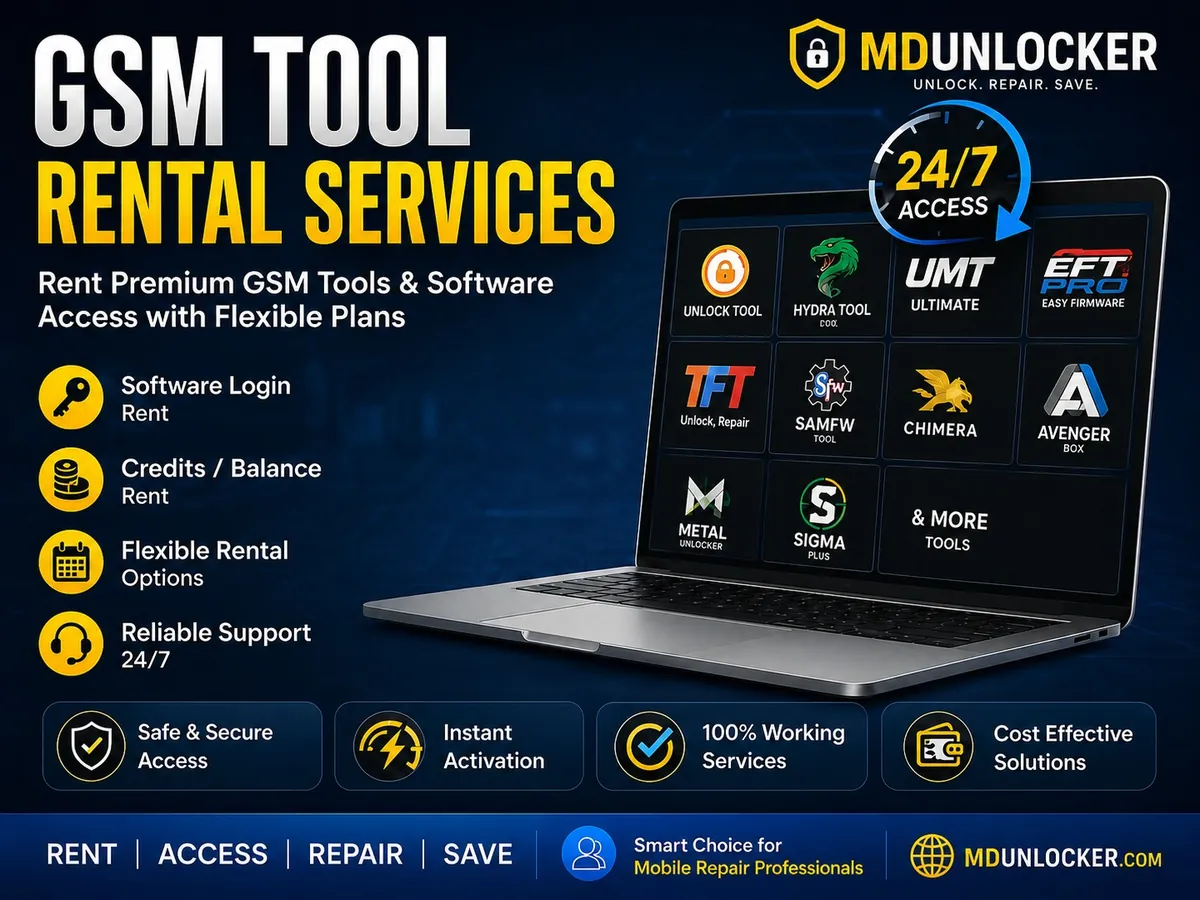
UnlockTool 6Hr Login Rent provides time-limited access (6 hours) to an UnlockTool login session for technicians who need short-term use without a long subscription. It is designed for service-center and repair-shop workflows where you only need the tool for a specific job window, testing, or a single service session. This listing is a login rental service, meaning access is provided for the stated duration and is best suited for light or occasional use. If you expect repeated work across multiple days, a longer-duration option (if available in the catalog) is usually a better fit than multiple short rentals. Order carefully and be ready to use the access during the 6-hour period, as the time window is limited. If any account or login details are requested during checkout, submit accurate information to avoid delays. This service is intended only for lawful and authorized use on eligible devices, tools, accounts, or customer-authorized repair requests.
$0.32
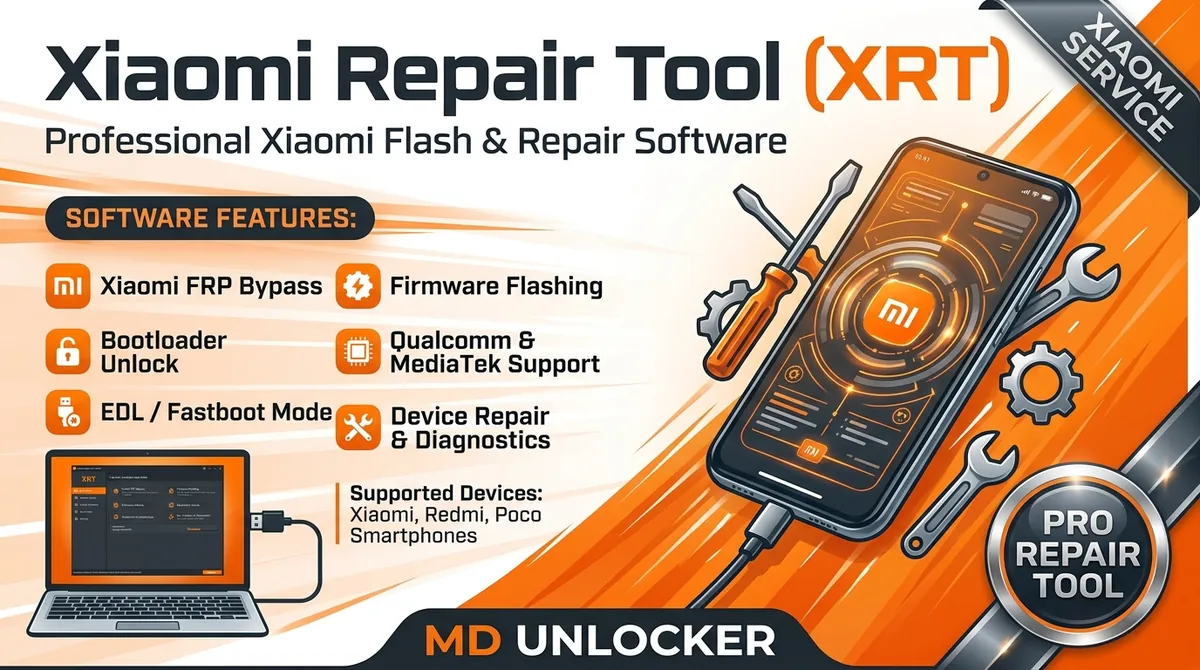
Xiaomi Repair Tool (XRT) Activation provides account-based access to the Xiaomi Repair Tool (XRT) Windows servicing software used by GSM technicians and mobile repair shops for Xiaomi ecosystem software repair workflows. This service is designed for work on Xiaomi, Redmi, Poco, and Black Shark devices, including models based on Qualcomm Snapdragon and MediaTek (MTK) platforms, where supported by the tool and server system. With an activated XRT account, technicians can use supported functions such as firmware flashing, device diagnostics/info reading, partition operations (read/erase/backup where available), and advanced service modes (Fastboot/EDL workflows when supported). XRT uses server authentication and may require credits for certain operations, so stable internet access is important during use. Ordering note: activation is tied to an XRT account. Create/register your account at the official page and submit the correct account details to avoid delays. Windows PC is required for the software interface. This service is intended only for lawful and authorized use on eligible devices, tools, accounts, or customer-authorized repair requests.
$0.96
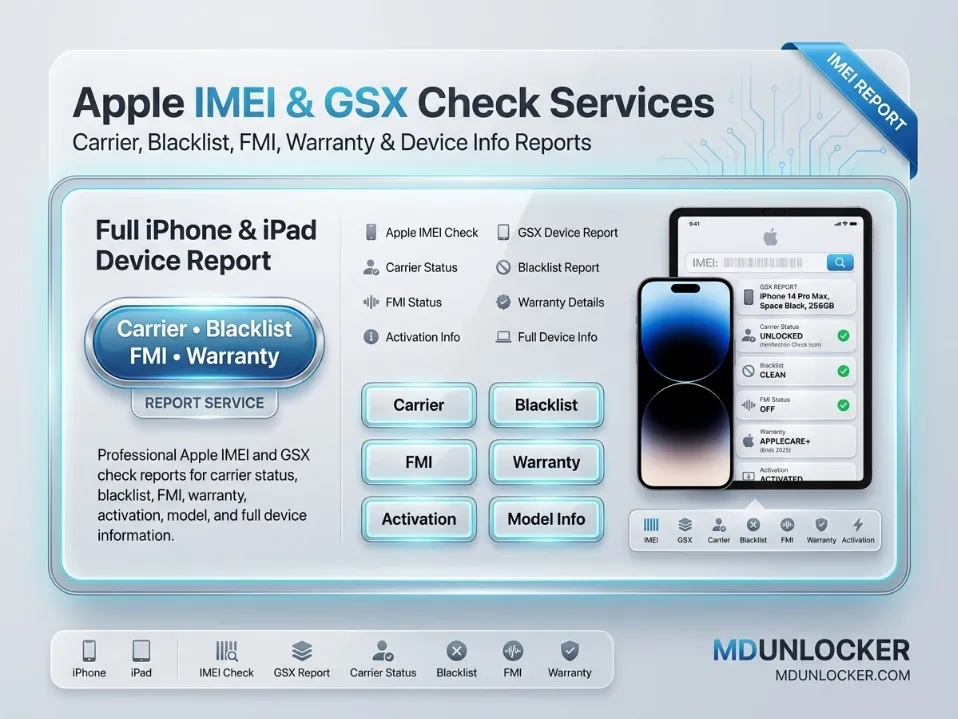
The SOLD BY + GSX service provides a device information report based on Apple GSX-style data, focused on “Sold By” / sales channel details and related device profile fields. It is designed for technicians, resellers, and buyers who need to verify key Apple device information before purchase, intake, resale, or warranty planning. With this check, you can request a GSX-based device info report to help confirm the device’s recorded sales source and other available identifiers shown in the report output. This is useful for reducing mismatches in listings, improving inventory notes, and supporting customer communication with clearer device background details. Ordering notes: submit the required device identifier exactly as requested in the order form (for example, IMEI or serial number, depending on your marketplace flow). Results depend on correct details provided and on data availability at the time of the query. This service is intended only for lawful and authorized use on eligible devices, tools, accounts, or customer-authorized repair requests.
$1.07
Falcon Multi Tool Credits (CRD) are a pay-per-use credit refill used to access supported online server operations inside the Falcon Multi Tool platform. This listing is for technicians and existing users who need additional CRD balance to continue MediaTek (MTK) Android software servicing and repair workflows without interruption. Within Falcon Multi Tool, CRD is consumed automatically based on the specific operation you select and the supported device model. The platform is commonly used for MediaTek flashing operations, scatter/XML firmware processing, fastboot service functions, and other software repair operations available in the tool. Credit usage varies by function, so it’s important to check the tool’s on-screen CRD cost and supported model list before starting any job. Ordering note: make sure you are refilling the correct Falcon Multi Tool account and provide accurate account details required for credit delivery. An internet connection is required for server validation and online functions. This service is intended only for lawful and authorized use on eligible devices, tools, accounts, or customer-authorized repair requests.
$0.95
No reviews for this service yet. Only customers with a completed order can write one, and every review is checked before it shows.
